Getting Your Phone Ready for China — What to Install Before You Fly
If you've read forums about traveling to China, you've probably run into the "digital panic": stories of a country where you can't pay, can't browse, and are cut off from the world.
Take a breath. A lot of that information is simply outdated. The China of 2026 is completely different from the China of 2019, especially when it comes to tourists. Today it's easier than ever — but on one condition: that you prepare your phone before you board the plane.
This is the complete guide. Go through it with your phone in hand, before you leave home.
First — understand what's blocked
China has a "Great Firewall" that blocks a large share of Western services. What won't work without preparation: Google (Search, Gmail, Maps), WhatsApp, Instagram, Facebook, YouTube, and more.
It sounds scary, but every problem has a simple solution — and they all start from the same place: installing and setting up in advance. Once you're in China, some of the solutions are no longer available to download.
The most important rule for connectivity
Don't rely on a single solution. It's highly recommended to have at least 2 of the following 3: (1) a reliable VPN, (2) a tourist eSIM card, (3) a roaming data plan from your home mobile carrier. That way if one solution fails — you always have a backup, and you won't be left cut off.
1. VPN — the most critical install
A VPN is what lets you access Google, WhatsApp and everything you're used to from inside China. And this is the point that catches people unprepared:
Critical
You must install and set up the VPN before the flight. Inside China, the apps that offer VPNs are themselves blocked — so if you land without one, you're stuck. Install it, turn it on, and confirm it works before you even leave the house.
Choose a paid, reliable VPN (free ones usually don't work in China). It's worth installing two different ones for extra safety — sometimes one gets temporarily blocked and the other keeps working.
2. Alipay — the most foreigner-friendly payment app
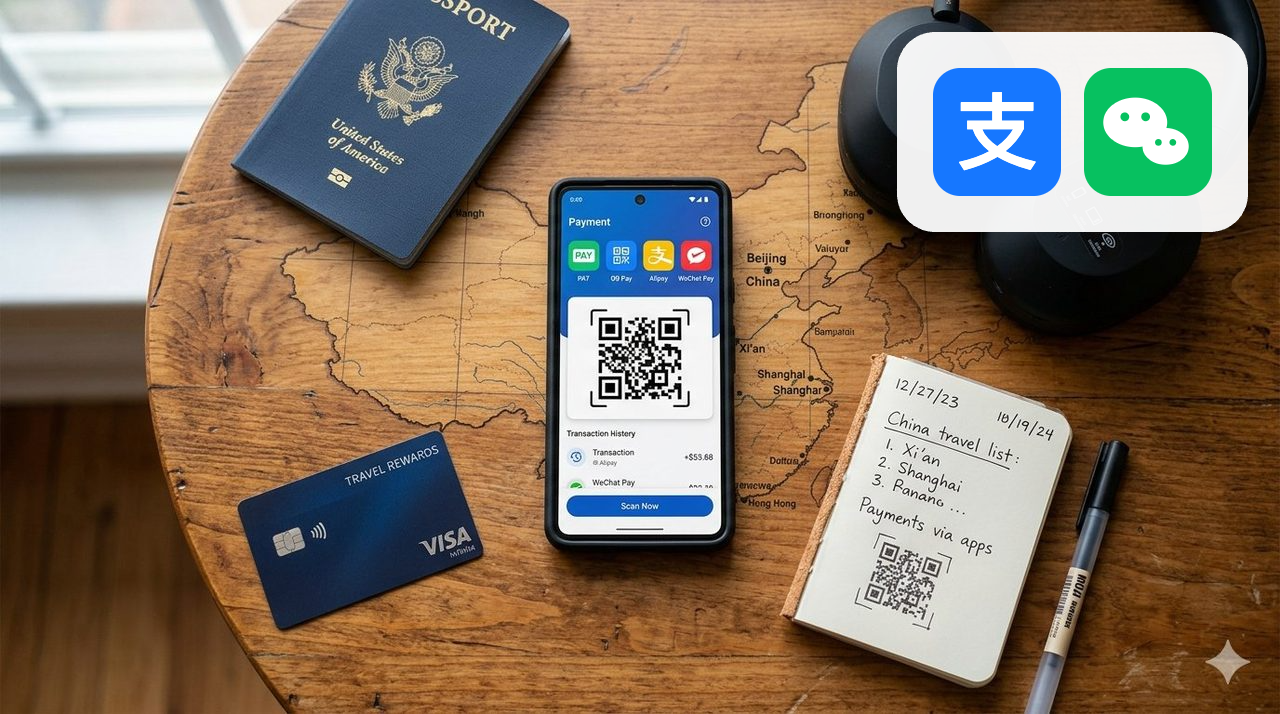
China has all but abandoned cash. Almost everything is paid via a QR code on your phone. The big news for 2026: Alipay now supports foreign credit cards directly — no Chinese bank account and no Chinese phone number needed.
What you need: a passport, an international Visa/Mastercard, and your home mobile number (to receive a verification code). Setup takes between 10 and 30 minutes. This is the first app to download — it's the easiest and accepts a foreign card on its own.
- Download the official Alipay app (not a regional version like "Alipay HK")
- Sign up with your home phone number
- Go to Me ‹ Bank Cards and add your credit card
- Complete identity verification with a photo of your passport
- Make a small test payment to confirm everything is active
Small payments are usually fee-free, and larger amounts carry a small fee. The limits are high enough for most trips.
3. WeChat — the backup app and wallet
WeChat isn't just a payment app — it's China's super-app: messaging, payments, hailing taxis, menus, tickets, all in one place. WeChat Pay also opened up to foreign cards in 2026.
My recommendation: set up Alipay first (it's easier), and WeChat as a backup. Some businesses display only one of the two QR codes, so when one doesn't work — the other saves you. Don't rely on just one.
Watch out — the WeChat catch
WeChat is the second app to download, but it has a condition: opening a new account requires approval from a friend who already uses the app (scanning a code to verify). If you're registering for the first time — arrange in advance for someone you know to approve you, otherwise you'll get stuck at registration.
4. The trick that eliminates the need for a VPN — the right eSIM
Here's something most travelers don't know: there are tourist eSIM cards that route your data through an international server (usually Hong Kong), thereby bypassing the Great Firewall entirely. With an eSIM like that, Google Maps, Instagram and everything else simply work from the moment you land — no VPN at all.
It doesn't replace the VPN as a backup, but it makes life much simpler. Worth looking into before your flight.
5. Maps and translation
- Maps: Google Maps isn't accurate in China. Apple Maps works reasonably. The local app Amap is far more accurate — download its English version before you leave home, because it's harder to get inside China.
- Translation: Download a translation app that works offline or locally. The image-translation feature through your camera (for menus and signs) will solve most of your situations.
The full checklist — before you board the plane
- Connectivity — at least 2 of 3: a reliable VPN, a tourist eSIM card, and a roaming data plan from your home carrier. That way you always have a backup and won't be left cut off. The eSIM and VPN can be purchased here through the link on our site, at a discount.
- Install Alipay, link a credit card, verify your identity, and make a test payment
- Install WeChat as a backup and link a card (requires approval from an existing friend)
- Download a translation app with image translation, and Amap in its English version
- Tell your credit card company you're traveling to China, so they don't block transactions
One hour of preparation at home = a smooth trip without a single moment of panic at the checkout. Don't leave it to "we'll sort it at the airport" — by then it's too late.
In other posts I go deep into the rest of the preparations — choosing the right itinerary, timing the trip, and the differences between the cities.
SIMPLE CHINA VIP FAMILY TRAVEL
Want guidance and support for your trip?
Fill out the questionnaire and we'll be in touch.